If you’ve ever tried running multiple social media accounts from the same browser or device, you know how quickly things can go wrong. One day, everything works fine — the next, your accounts are flagged, logged out, or banned for “suspicious activity.” It’s not bad luck. It’s how platforms detect patterns: the same browser fingerprint, IP address, or cookies linking everything together.
That’s where antidetect browsers change the game. They let you create isolated, unique environments — each one looking like a completely different person to Facebook, Instagram, TikTok, or X. You can log in, post, and manage campaigns without the constant fear of connection blocks or sudden bans.
If you manage clients, run ad campaigns, or grow multiple brands, using the right antidetect browser is the difference between stable operations and daily account loss. Below, you’ll find the 6 best antidetect browsers built for managing multiple social media accounts safely and at scale — tested, reliable, and trusted by professionals who can’t afford to get flagged.
Post Contents
1. Multilogin – The Best Antidetect Browser for Managing Multiple Social Media Accounts
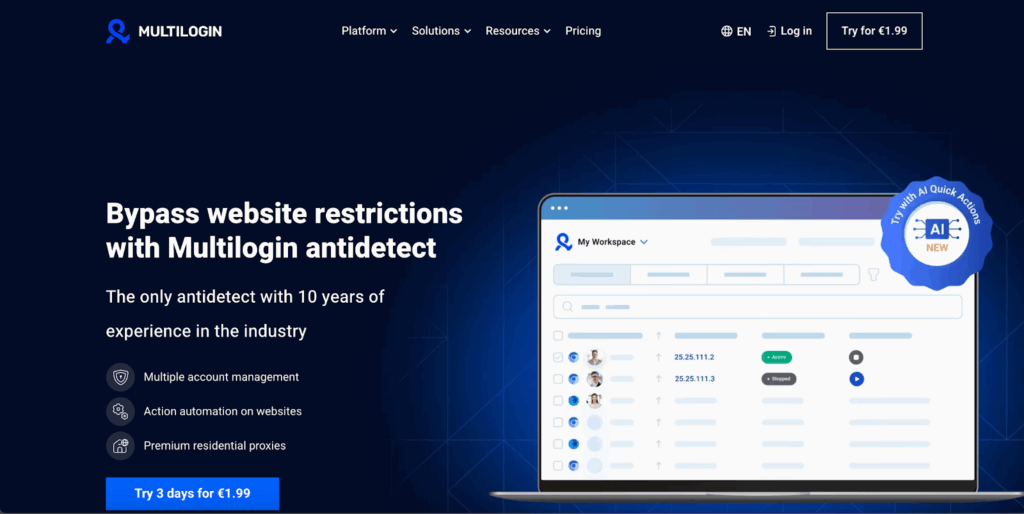
Multilogin is the best antidetect browser in the market for managing multiple social media accounts. It was established in 2015, and it has built a strong reputation as a reliable antidetect browser for users requiring such capabilities. Multilogin integrates all important features into one platform, without the need for additional proxies, as it includes premium residential proxies by default, with proxy traffic included in all plans, eliminating complex configurations. Furthermore, it provides pre-configured cookies that simulate long-term account activity, thereby minimizing the risk of detection.
For just €1.99, you can get started with Multilogin, making it an excellent choice for small businesses. The setup is intuitive and doesn’t require advanced technical skills, allowing you to get up and running quickly. Plus, with 24/7 support available in five different languages, Multilogin ensures you have the assistance you need at every step, making it the ideal solution for small businesses looking to scale without the hassle.
Features
- Ease of use: A good fit for small businesses and individuals, with an intuitive setup that lets you start fast without needing tech skills.
- Advanced fingerprinting: Tweaks over +50 parameters across two browser types (Chromium + Android). Fingerprints mimic real users, and Multilogin works as a stealth browser to keep sessions separate and safe.
- Pre-farmed cookies: Free aged cookies help simulate browser history, lowering detection risks on sites like TikTok or Instagram.
- Scalable: Supports up to 1000 profiles, allowing for easy scaling as your needs grow.
- Built-in proxies: Premium residential traffic included in all plans—no extra fees.
- Android Mobile Emulation: Simulates Android devices within the browser, allowing you to manage mobile accounts and tasks while keeping them undetectable. Ideal for consistent and secure mobile platform use.
- Cloud and Local Storage: Keeps your profiles, cookies, and data securely synced across devices, with both local and cloud storage options for added flexibility.
- Automation Support: Works with Postman, Playwright, Selenium, Puppeteer, and others, along with CLI support, for efficient and customizable workflows.
- Team features: Unlimited seats on business plans, with role-based access for collaboration.
- Security extras: 2FA and encrypted storage to keep things locked down.
Cons
- No free trial: Multilogin doesn’t offer a free tier — trials start at €1.99, so you can test it without a big commitment.
2. NSTBrowser
NSTBrowser steps up with fingerprint masking to keep things private, some automation for those repeating tasks, and team sharing via role-based permissions—it’s got that reassuring simplicity for basic needs.
Features
- Fingerprint masking: tweak key settings to reduce obvious matches.
- Team collaboration: role-based access for shared account work.
- Automation support: connects with Puppeteer, Playwright and Selenium for basic task runs.
- Proxy integration: lets you add your own proxies so sessions stay steady.
Cons
- No built-in residential proxies — you must buy and manage them separately.
- Limited automation depth — complex workflows can feel constrained.
- Windows only — no official macOS or Linux builds.
- Learning curve — initial setup can feel fiddly for newcomers.
3. Undetectable
Undetectable aims to be a no-fuss antidetect tool for people who need quick profile isolation and built-in convenience. One user described it as the tool they reach for when time is short and the priority is “get this account live.” It won’t cover every advanced edge case, but it gets basic multi-account work moving fast.
Features
- Profile isolation: Keeps cookies, local storage, and extensions separate per profile.
- Proxy support: Lets you add third-party residential or datacenter proxies through an easy UI.
- Quick templates: Provides ready-made device and OS fingerprints to get started fast.
Cons
- No bundled residential traffic: You have to source proxies yourself, adding time and cost.
- Limited fingerprint granularity: Fewer fine-tune options compared with specialist antidetects.
- Basic automation: Automation integrations are simple; complex workflows may require external tools.
- Fewer team features: Lacks deep role-based controls and audit logs for larger agencies.
- Simple cookie warming: New profiles may need extra hands-on warming to avoid Early flags.
4. MoreLogin
MoreLogin provides useful features like canvas fingerprinting that help increase undetectability. It also comes with simple automation options and allows for team work. It’s effective for smaller groups or personal use, though its options tend to fit best with less complicated scenarios.
Features
- Canvas fingerprinting: Builds distinct browser fingerprints so profiles don’t look identical.
- Team collaboration: Role-based access to split work across a few people without sharing credentials.
- Automation support: Works with Puppeteer and Selenium for common scripted tasks.
- Proxy integration: Lets you plug in third-party proxies to route traffic per profile.
- Quick setup: Fast to install and start using, which helps when you need accounts live fast.
Cons
- Less robust security: Works fine for standard setups, but not as tough against advanced detection systems used by larger platforms.
- Limited team tools: Good for small groups, though it lacks detailed audit logs or layered permissions for bigger teams.
- Restricted automation workflows: Handles everyday automation, but doesn’t support advanced tools like Postman or complex multi-step scripts.
- No built-in proxies: You’ll need to buy and manage your own proxies, which adds setup time and maintenance work.
- High resource use: Running multiple profiles at once can slow your system, especially on standard laptops or shared devices.
5. Kameleo
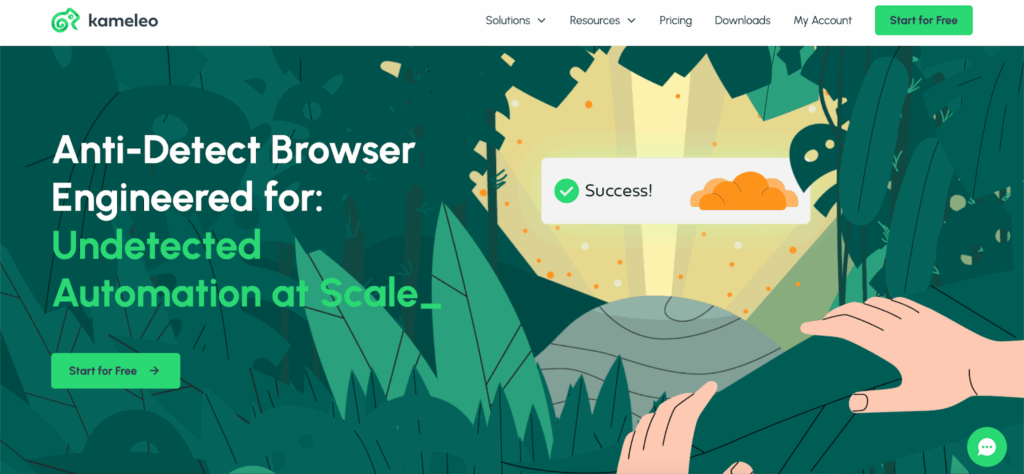
Kameleo is built around the idea of keeping your accounts apart — separate fingerprints, changing IPs, and a bit of control for shared use. It’s a simple setup for people who just need to stay under the radar without dealing with complex dashboards or add-ons.
Features
- Fingerprint masking: Changes browser fingerprints so each profile looks like it’s coming from a different person.
- IP rotation: Switches IPs automatically to break patterns that trigger platform suspicion.
- Team collaboration: Gives basic role-based access for small teams working on shared projects.
- Session stability: Keeps profiles active and logged in without random drops.
Cons
- No built-in proxies: You’ll need to connect your own, which can be tedious if you’re managing many accounts.
- Limited team tools: Works fine for a couple of users, but bigger setups will hit limits fast.
- Basic automation: Handles small tasks, but more advanced routines often need outside tools.
- Restricted IP options: Offers rotation, but no deep targeting or country-level rules.
- Everyday toolset: Gets the job done but lacks advanced profile or performance tracking.
6. Geelark
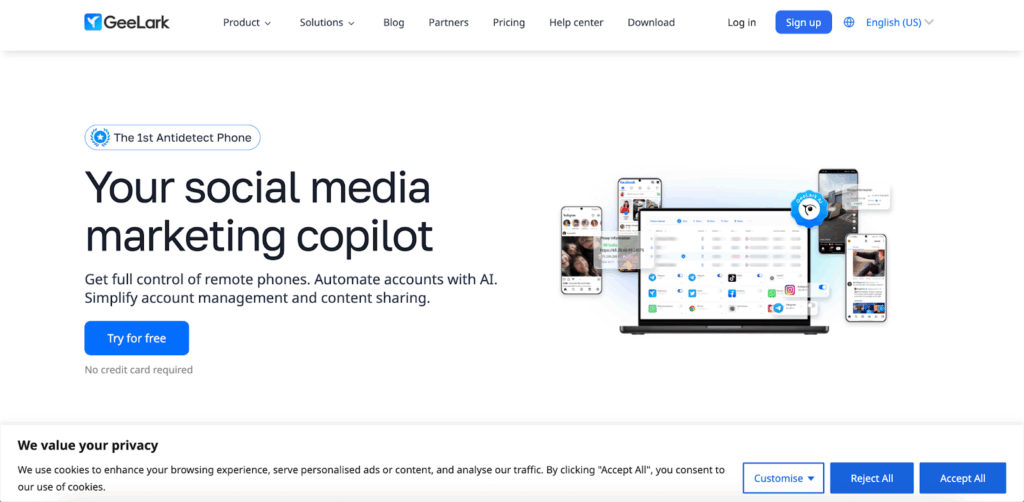
Geelark focuses on mobile-style account management through cloud phones. It’s made for users who want to handle multiple social media accounts that behave like they’re running on real Android devices — without needing physical phones. You can switch sessions, adjust fingerprints, and manage everything remotely through GeeBrowser, though it depends heavily on connection quality.
Features
- Fingerprint customization: Lets you tweak device and browser details so each session appears as a separate, genuine user.
- Cloud phone integration: Gives remote control over Android devices for handling apps directly from your desktop.
- Automation templates: Offers simple pre-made scripts to repeat daily account actions.
- Proxy support: Allows proxy rotation for better account safety, but you’ll need to bring your own proxies.
Cons
- No built-in proxies: You’re responsible for sourcing and managing them.
- Connection dependent: Cloud-based sessions can freeze or drop if your internet isn’t stable.
- Basic automation: Covers small tasks but can’t handle complex, layered workflows.
- Slow support: Replies may take time, and documentation isn’t always up to date.
- Mobile-only limitation: Geelark focuses entirely on mobile emulation and doesn’t offer a desktop browser version, which limits flexibility for broader account setups.
How to choose the best antidetect browsers for managing multiple social media accounts
Choosing an antidetect browser isn’t about picking the most popular name — it’s about finding what actually keeps your accounts alive. If you’ve ever had a batch of social media accounts banned overnight, you know how fast everything can collapse. That’s usually not because of your content but because your setup leaves fingerprints — shared IPs, reused browser data, or patterns that platforms can trace in seconds.
Start with how you work. If you handle client accounts or run multiple brands, look for a browser that isolates each profile completely — fingerprints, cookies, storage, and IPs should never cross. Built-in residential proxies make life easier, especially if you’re tired of juggling proxy providers. Ideally, your antidetect browser should include everything in one place — built-in proxies, Android emulation, and team management — so you don’t waste time switching between tools or dealing with multiple providers just to keep your accounts stable.
If you automate tasks, check compatibility with tools like Playwright, Postman, Puppeteer, or Selenium. Some browsers let you script at scale without breaking session integrity; others only cover surface-level automation.
For teams, role-based access and synced storage matter more than flashy dashboards. You want your team to log in, manage their assigned profiles, and not risk another person’s data.
And before you commit, test stability. A good antidetect setup shouldn’t trigger constant “unusual activity” warnings. If you get banned, you should be able to rebuild fast — new profile, clean proxy, pre-farmed cookies, slow warm-up, back online. That’s the real sign your browser is doing its job.
Final verdict
Managing multiple social media accounts safely isn’t luck — it’s setup. The difference between keeping accounts stable and losing them overnight comes down to how well your browser hides connections between them. Out of all the options, Multilogin stands out as the complete solution for professionals, agencies, and small businesses that need reliability at scale. It isolates every profile, provides built-in residential proxies, supports automation, and gives you tools to rebuild fast if anything goes wrong.
The others — NSTBrowser, Undetectable, MoreLogin, Kameleo, and Geelark — have their place for simpler use cases, but each leaves gaps in stability, proxy coverage, or automation depth. If your accounts drive revenue or client campaigns, those gaps matter.
If you get banned, don’t rush to reuse the same setup. Start clean — new profile, new proxy, pre-farmed cookies, and a slow warm-up. That small reset often saves hours of damage control later.
FAQs
1. What is an antidetect browser?
An antidetect browser creates isolated browser environments that look like unique devices. Each profile has its own fingerprint, cookies, and IP address, making platforms treat them as separate users instead of linked accounts.
2. Why do I need an antidetect browser for multiple social media accounts?
Social platforms track IPs, device fingerprints, and behavior patterns. If you log into several accounts from the same setup, they’ll link them and flag suspicious activity. An antidetect browser breaks those links, keeping each account independent.
3. Which antidetect browser is best for managing multiple social media accounts?
Multilogin is the strongest all-in-one option — built-in residential proxies, cookie management, mobile emulation, and advanced fingerprinting make it reliable for long-term multi-account work.
4. Can I automate actions inside an antidetect browser?
Yes. Tools like Multilogin support Playwright, Puppeteer, Selenium, and Postman so you can automate posting, data collection, or testing without cross-contaminating profiles.
5. Are antidetect browsers legal?
Yes, they’re legal when used responsibly — for social media management, marketing, testing, or business operations. They only become problematic when used for fraud or impersonation.
6. How to manage social media accounts for multiple clients?
Create a separate browser environment for each client with unique IPs, cookies, and login details. Keep data isolated so accounts don’t link or trigger bans. Use organized naming, secure access control, and light automation that mimics human activity. If one account gets flagged, rebuild it with a fresh proxy and gradual warm-up before resuming work.