YouTube isn’t just about music videos or movie trailers anymore. It is one of the biggest learning platforms in the world, where people watch tutorials, lectures, documentaries, and research talks every day.
However, learning on YouTube can easily turn into endless scrolling if you don’t manage your viewing habits. Productivity depends on how well you organize what you watch, save useful videos, and take quick notes for later.
Here are five browser extensions that can help you turn YouTube into a productivity-focused, efficient workspace.
Post Contents
List of Browser Extensions That Boost YouTube Productivity
1. Tubly Downloader – Save and Organize Learning Resources
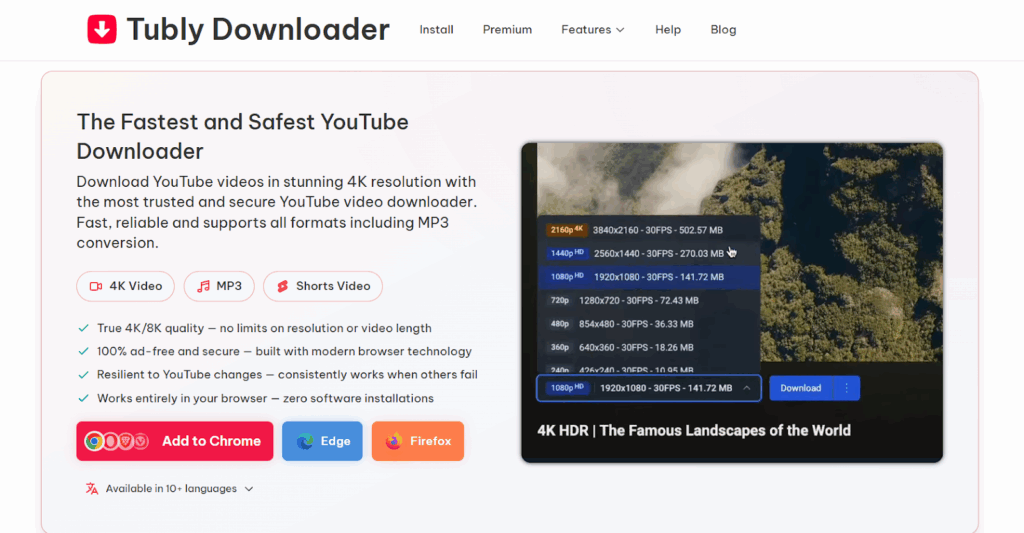
Tubly Downloader makes it easy to save YouTube videos for offline learning. With a single click, you can download lectures, tutorials, or reference videos in 1080p, 4K, or even 8K quality. It also converts videos into MP3 audio for quick listening on the go. Everything happens right inside your browser, no extra apps, no ads, and no setup.
Key Features of Tubly Downloader
- One-click YouTube downloads in 1080p, 4K, and 8K quality
- Built-in MP3 converter for 320 kbps audio extraction
- Works directly inside Chrome, Edge, Firefox, and other Chromium-based browsers
- Compatible with Windows, macOS, Linux, and ChromeOS
- Save YouTube videos as MP4 or convert them to MP3 for audio-only playback
- Ad-free experience for both free and premium users.
- Supports YouTube Shorts and playlist downloads
- Great for saving study materials, tutorials, and research references.
2. Web Highlights – Summarize and Annotate YouTube Transcripts
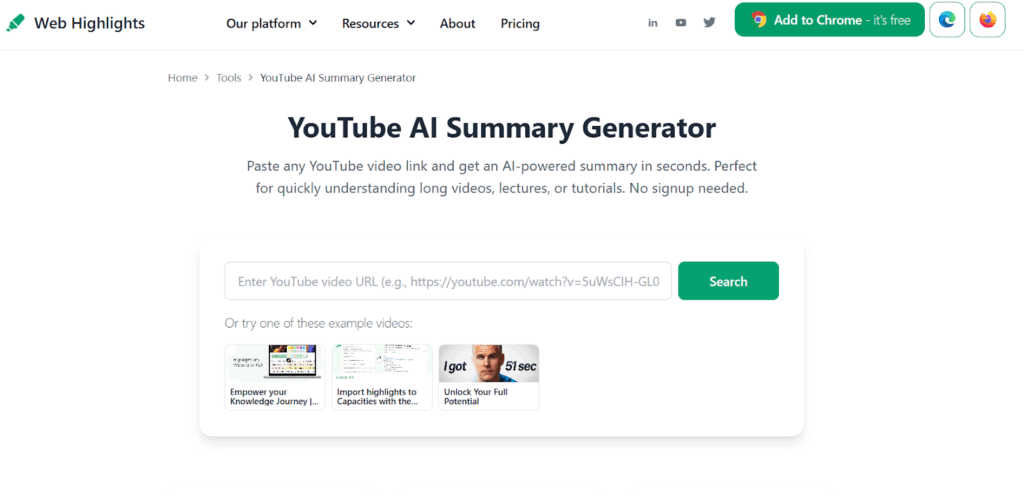
Web Highlights helps you make sense of long YouTube videos by turning transcripts into short, easy-to-read notes. You can highlight important lines, generate AI summaries, and save your notes directly to Notion, Markdown, or PDF. It is perfect for learners who want to recall key ideas without having to replay full YouTube videos.
Key Features of Web Highlights
- Highlight and annotate YouTube video transcripts
- AI-powered summaries for quick overviews of long videos
- Export highlights and summaries to Notion, Markdown, HTML, or PDF
- Reader Mode for YouTube transcripts
- Export YouTube transcripts
- Works without sign-up and syncs easily across devices.
- Most YouTube features are free
3. PocketTube – Organize Channels and Playlists
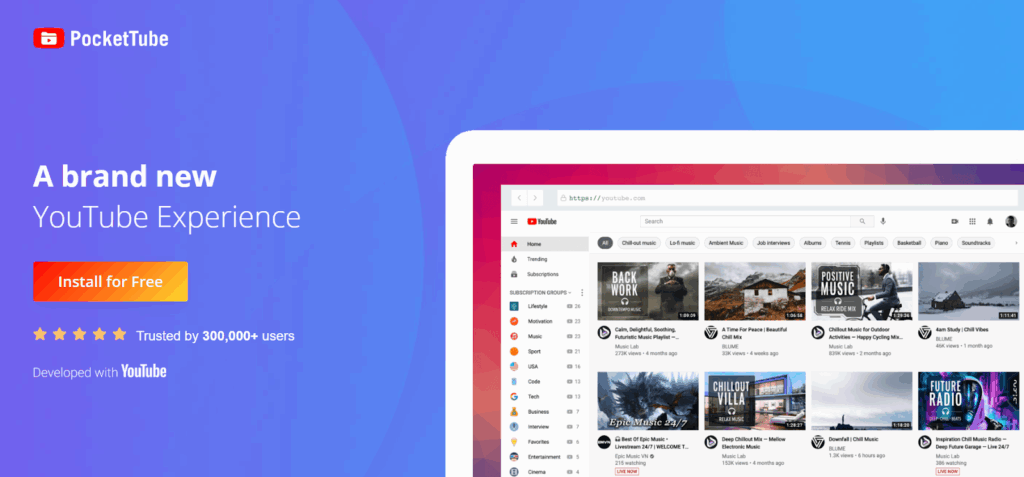
If your YouTube subscriptions are all over the place, PocketTube brings order. It allows you to create folders to group channels by topic, such as “Study,” “Work,” or “Leisure.” That way, you can focus on what matters instead of scrolling through hundreds of random uploads.
Key Features of PocketTube
- Create custom folders for your subscribed YouTube channels
- Tag, filter, and sort videos for easier navigation
- Works seamlessly across Chrome, Firefox, Edge, Opera, and Safari
- Option to set notifications per folder for organized updates
- Ideal for students or professionals managing multiple learning playlists
4. Enhancer for YouTube – Distraction-Free Viewing
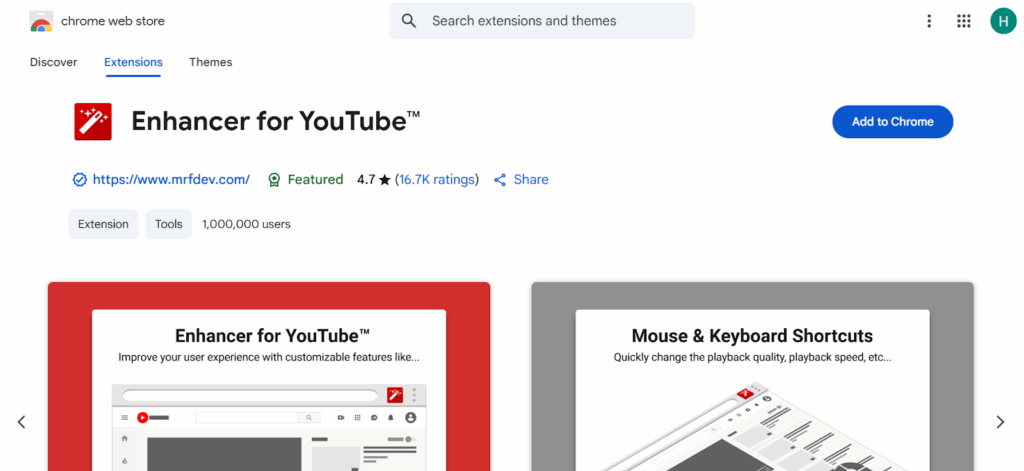
Enhancer for YouTube is another browser extension that gives you full control over how you watch videos. You can change playback speed, adjust volume with the mouse wheel, and mute ads automatically, all without leaving full-screen mode. It is ideal for students who want to focus on tutorials or lectures without unnecessary interruptions.
Key Features of Enchancer for YouTube
- Control playback speed, volume, and video quality easily
- Mute ads automatically for smooth, uninterrupted viewing
- Use keyboard or mouse shortcuts for quick actions
- Enable cinema mode or dark mode for better focus
- Works across Chrome, Firefox, and Edge browsers
5. Unhook – Stay Focused and Block Distractions
Unhook removes everything that pulls your attention away from learning. It hides YouTube recommendations, comments, and trending sections so you can focus only on the video you came for. It is especially helpful for students who lose time to autoplay or endless suggestions.
Key Features of Unhook
- Hides recommendations, comments, Shorts, and home feed clutter
- Allows you to toggle visibility for each YouTube section
- Works smoothly on Chrome, Firefox, and Edge
- Keeps only the video player visible for maximum concentration
- Ideal for focused study sessions or research viewing
How These Extensions Work Together to Turn YouTube into a Productivity Tool
These five extensions can completely change how you learn and work on YouTube. Each one handles a different part of your workflow, from saving and organizing videos to staying focused while watching.
Start with Tubly Downloader to save lectures or tutorials in high quality for offline viewing. This helps you keep your study materials accessible anytime, even without an internet connection. You can download your YouTube videos or shorts in MP3 or MP4 easily.
Next, open the transcript in Web Highlights to highlight key ideas, summarize complex explanations, and export your notes to Notion or Markdown. It is an easy way to turn hours of video into short, searchable notes.
Keep your subscribed channels tidy with PocketTube. You can create folders like “Work,” “Study,” or “Leisure,” so you spend less time scrolling and more time learning from the right sources.
While watching, Enhancer for YouTube gives you more control. Adjust speed, volume, or quality settings on the fly, and skip distractions like ads to stay focused on the content that matters.
Finally, use Unhook to remove recommendations, comments, and other clutter from your screen. It keeps only the video player visible, helping you maintain deep focus.
Together, these tools transform YouTube from a place of endless scrolling into a clean, structured, and highly efficient study platform.
Key Takeaways
YouTube can be either a distraction or a smart learning space. It all depends on how you use it. With the right browser extensions, it turns into a practical, organized, and focused workspace.
Tubly Downloader lets you save and revisit important videos offline. Web Highlights helps you summarize transcripts and capture insights. PocketTube keeps your subscriptions neatly sorted. Enhancer for YouTube adds comfort and control while watching, and Unhook removes every distraction that gets in the way.
These extensions can help boost your productivity on YouTube!