In today’s digital office, PowerPoint presentations are a must-have tool for work and study. But making slides the old way can be slow and stressful. You have to worry about both design and content, and it often takes hours. Now, with tools like WorkPPT, creating a good-looking presentation is much easier and faster. Let’s see how to create AI PPT in just a few clicks!
Post Contents
Before Making AI PPT, Choose An AI Presentation Maker First
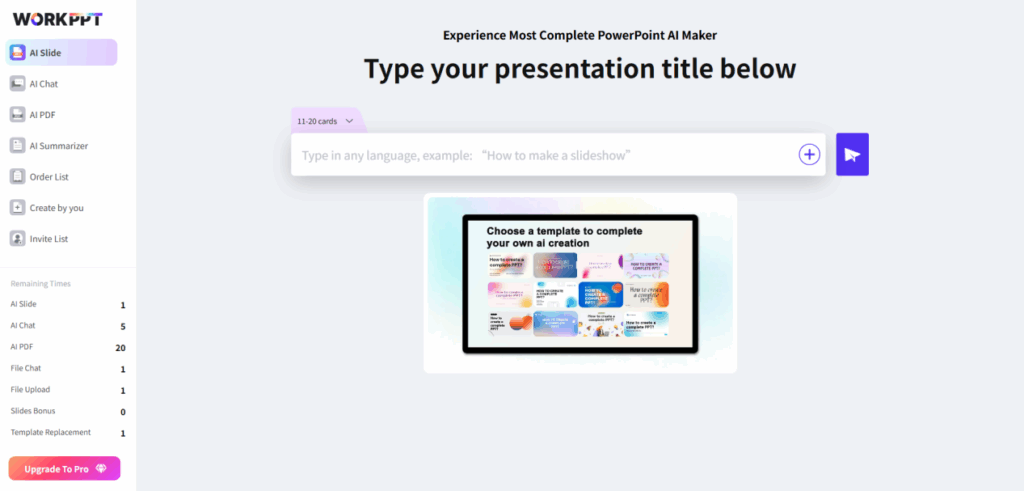
WorkPPT AI Presentation Maker is more than just a PPT maker. It also helps you work with PDFs, summarize documents, and create mind maps. It’s a complete office tool for anyone—whether you’re working in an office, studying, or making content online. One thing I really like: getting started is very easy. The website is clean and clear, which is perfect for beginners.
What Makes WorkPPT Special?
- Enter a topic or upload your file
You can start by typing your topic or uploading a file. It supports many file types (txt, Word, Excel, PPT, images, PDF). No matter what you have, you can use it.
- Smart outline, easy editing
WorkPPT quickly makes an outline for your presentation. You can also edit and adjust it online, so your ideas are clear.
- Lots of templates to choose from
There are many templates for different needs—business, school, marketing, and more. You can change templates with one click, and even mix styles.
- Content made for you, supports many languages and animations
Just click “Generate my AI Presentation.” WorkPPT fills in the content, organizes slides, and even adds animations. It supports 7 languages.
- Export and share in many ways
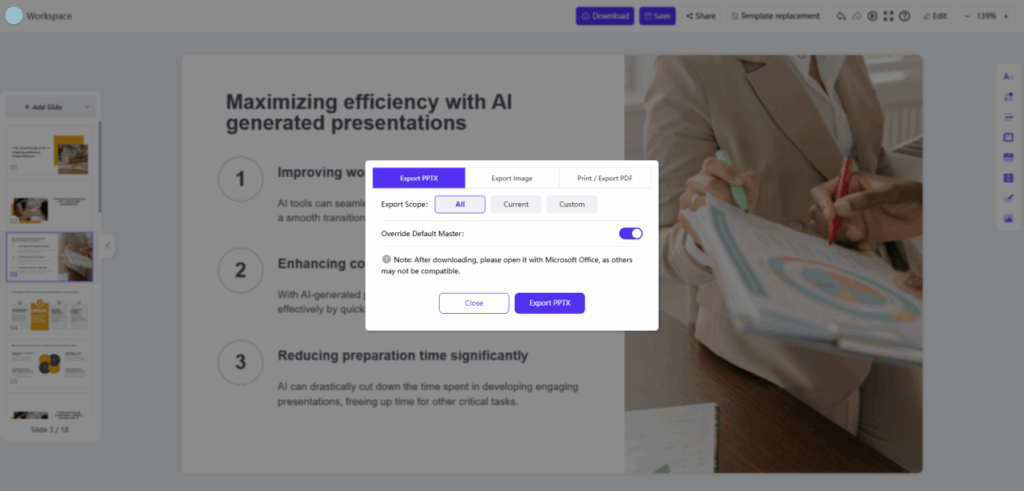
You can export your slides as PPTX, PDF, PNG, JPG, or print them right away. It’s easy to share online or offline.
- All-in-one office helper
Besides making slides, WorkPPT can help with PDFs, chatting, summarizing documents, and making mind maps. It’s a real productivity booster.
- Easy to try for free
You get free tries for making slides, working with PDFs, and summarizing documents. If you invite friends, you get more free usage. Paid plans are flexible—monthly, yearly, or even lifetime.
How to Use WorkPPT to Make AI Presentations
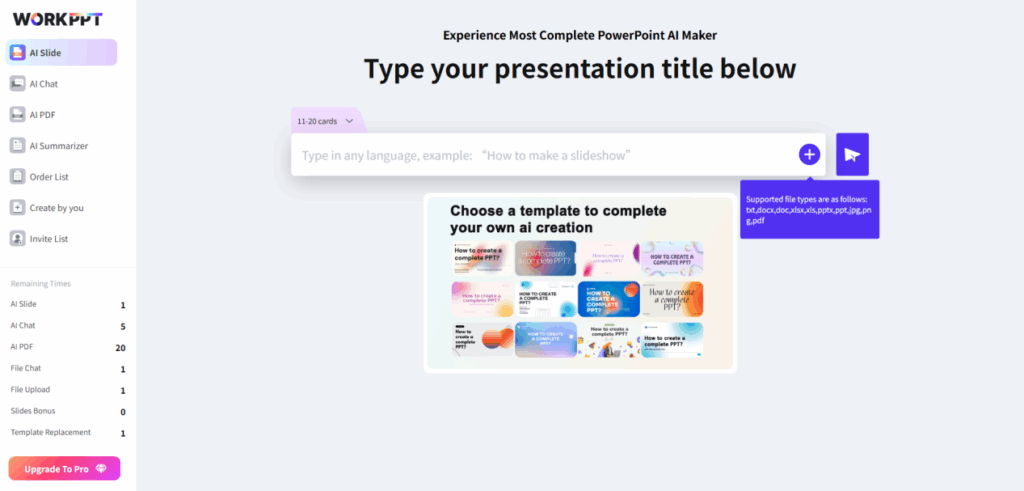
Step 1: Enter your topic or upload a file
Just type in your topic or upload a document (text, Word, Excel, PPT, PDF, or image). It’s simple and quick.
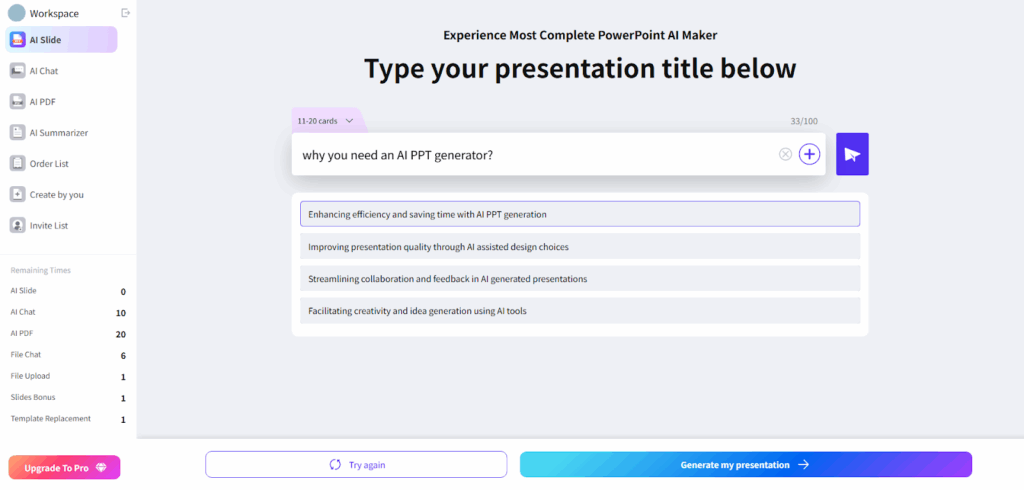
Step 2: Generate and edit the outline
WorkPPT will make an outline for you. You can edit it to match your ideas.
Step 3: Choose a template
Pick a template that matches your style. You can switch templates anytime.
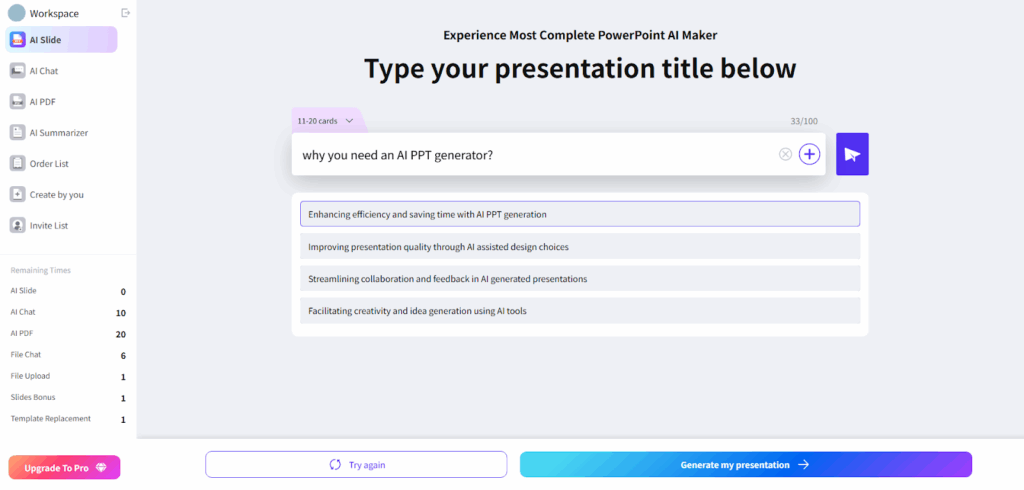
Step 4: Generate slides
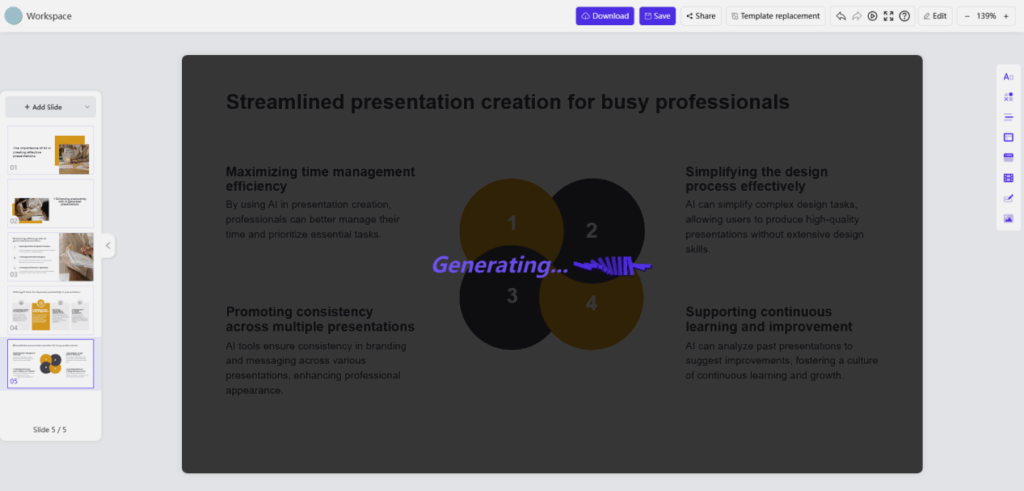
Click “Generate my AI Presentation.” Your slides will be ready in seconds. You can edit them if you want.
Step 5: Export or share
Download your presentation as PPTX, PDF, PNG, or JPG. You can also print or share it online.
Real-Life Uses of WorkPPT AI PPT Maker
Work reports or project pitches: Just upload your materials, and get a clear and professional PPT in minutes.
Academic presentations: Upload your paper or notes, and WorkPPT will help you highlight the key points.
Content creation: Turn your text and images into slides to grow your social media.
PDF and document tasks: Merge, split, watermark, or convert PDFs—all done quickly.
FAQs About AI Slide Making with WorkPPT
What file types can I upload?
You can upload txt, docx, doc, xlsx, xls, pptx, ppt, jpg, png, and pdf files.
Can I edit slides after they’re made?
Yes, you can edit the outline, content, and templates before exporting.
What formats can I export to?
You can export as PPTX, PDF, PNG, JPG, or print directly.
Is there a free version?
Yes, there’s a free plan with basic features. For more, there are paid plans.
What does it cost?
Monthly: $19.99
Quarterly: $16.66/month
Yearly: $8.33/month
Lifetime: $139.99 one-time
Which languages are supported?
Seven languages: English, French, Arabic, Spanish, Portuguese, Japanese, and Korean.
Do I need to install anything?
No, it’s all online. Just open the website in your browser.
Is my data safe?
Yes, your data is protected. See the Privacy Policy for details.
Can I use it offline?
No, you need an internet connection.
What other tools are included?
PDF tools (merge, split, convert, add watermark), document summarizer, chat, mind map maker.
Conclusion
WorkPPT AI slide maker really makes making presentations much easier. If you need to create slides but don’t have design skills or much time, this tool can save you a lot of effort. Plus, you can also handle PDFs, make summaries, or draw mind maps—all in one place.
If you want to see how easy it is to make a great-looking PPT, give WorkPPT a try. In just one minute, you can have a ready-to-use presentation and say goodbye to long, stressful nights making slides!